


Funduino Cube, Arduino-kompatibles Lernsystem & Entwicklerboard
Learn to code with 13 integrated modules, without any cable clutter


This goes with it
incl. VAT, plus shipping
Pay in 30 days
Pay in 30 days
Description
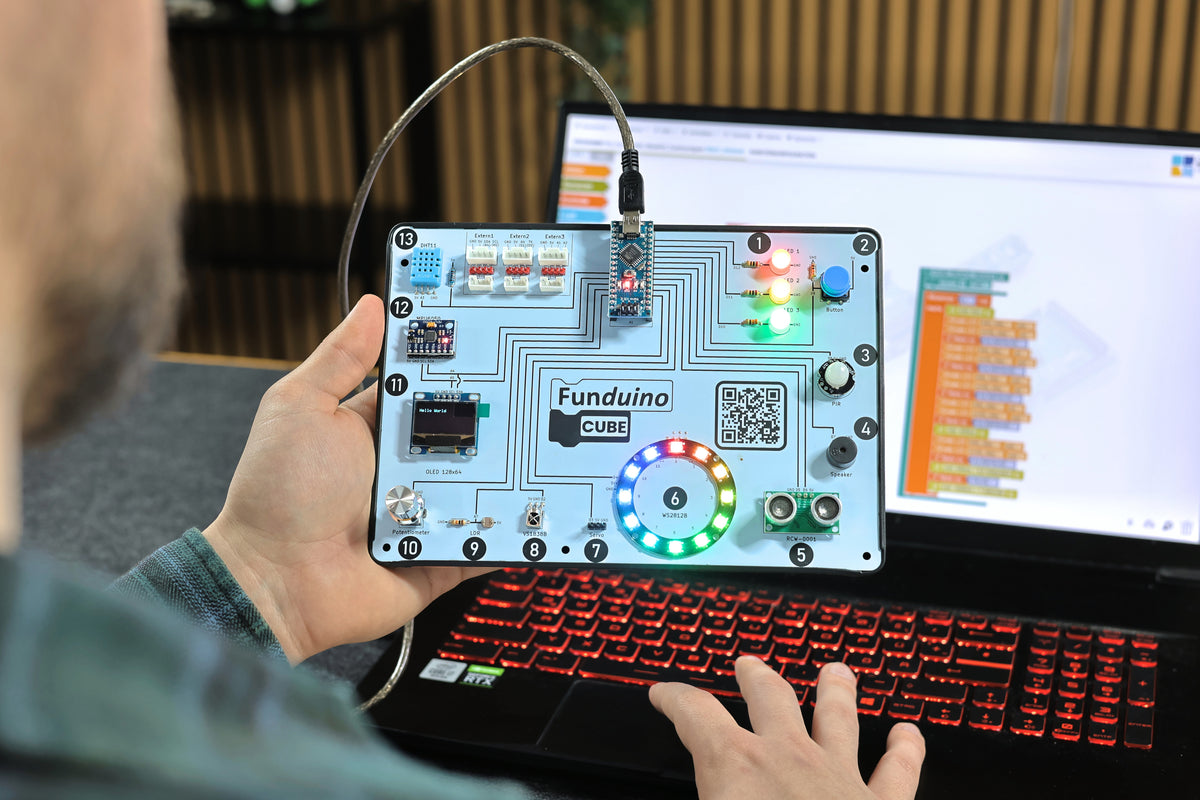
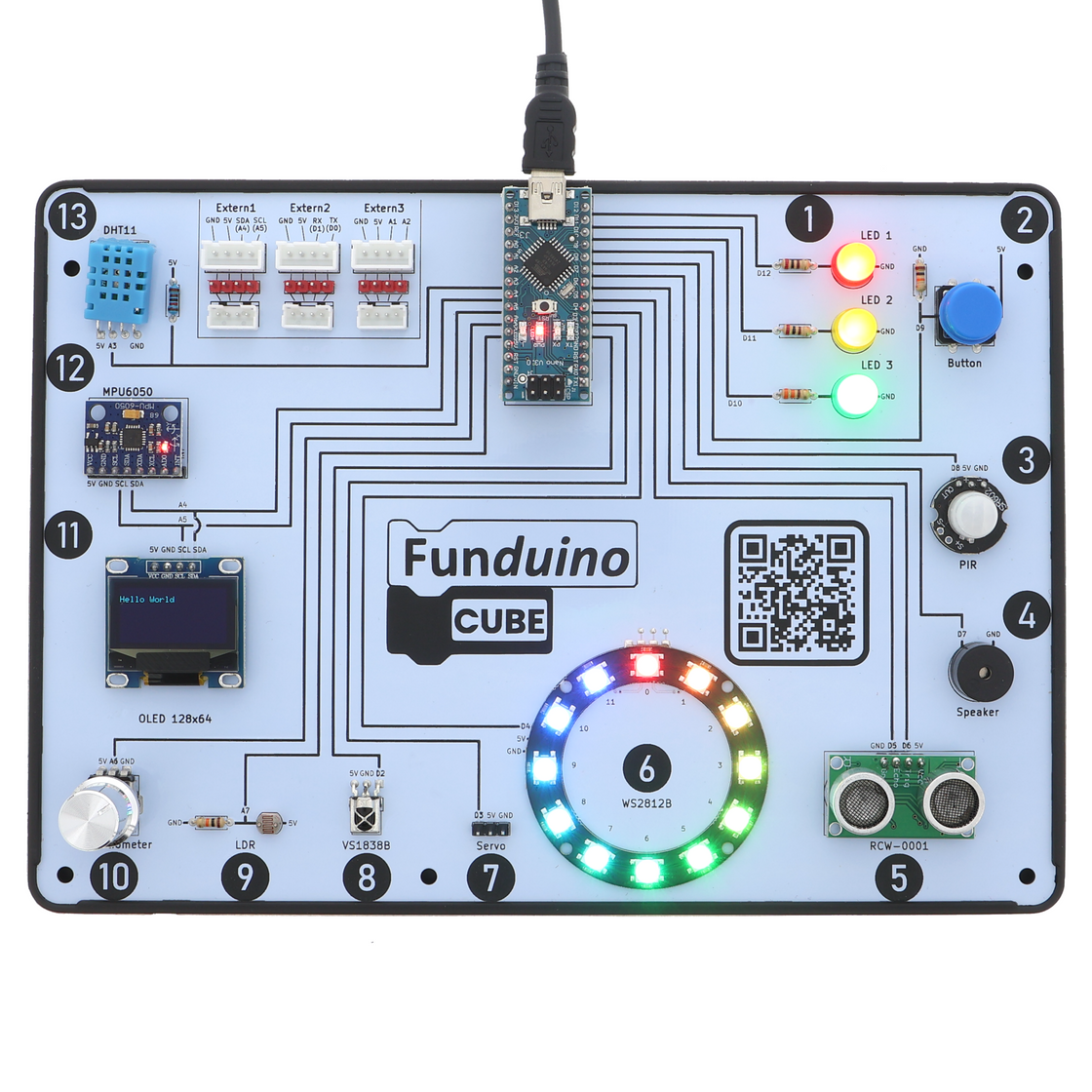
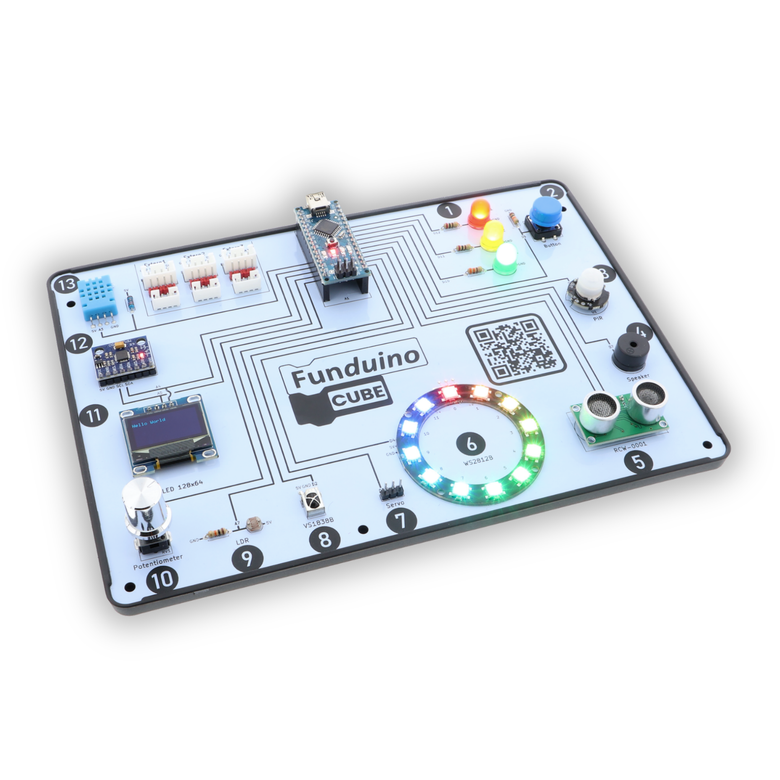
The Funduino Cube is an Arduino-compatible learning system with 13 permanently soldered modules. Without a breadboard or wires, you program the modules with Open Roberta (blocks in the browser) or with the Arduino IDE (C++). The digital workbook with 13 lessons guides you step by step from the first blink to your own project.
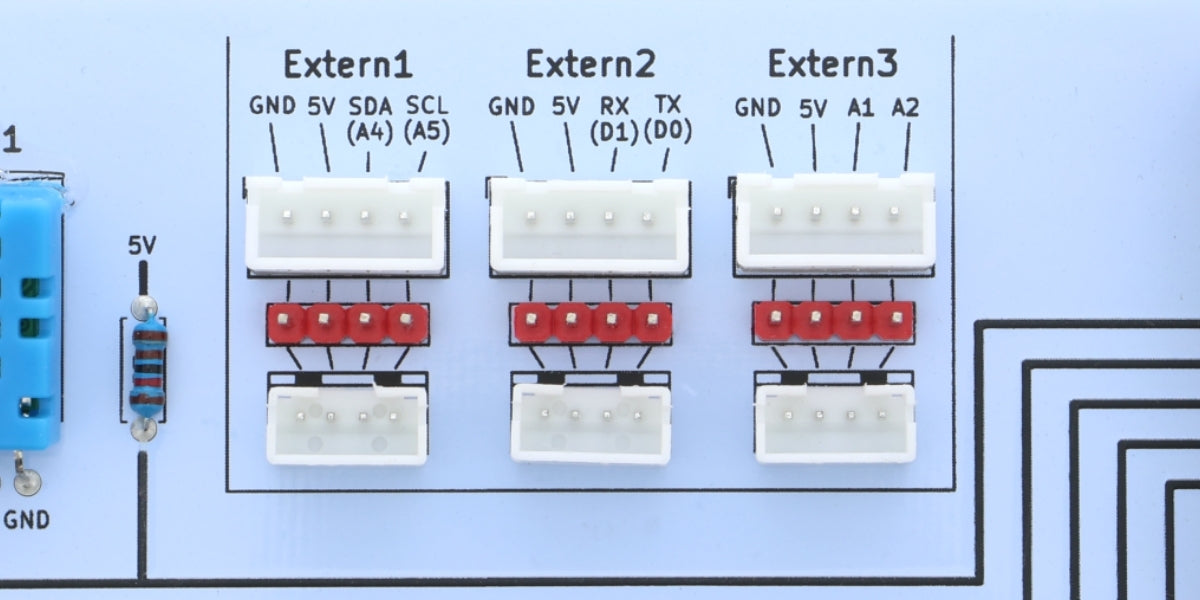
Modules: LEDs, push button, SR602 motion sensor, speaker, HC-SR04 ultrasonic sensor, WS2812B LED ring, MG90S servo motor, VS1838B infrared receiver with remote control, photoresistor, potentiometer, 0.96″ OLED display, MPU6050 tilt sensor, DHT11 temperature and humidity sensor. Connect your own sensors via three external ports; adapters for the ESP32 and the Raspberry Pi Pico are sold separately.
Included: Funduino Cube with Funduino Nano R3 (FTDI chipset), 2 Mini-USB cables (25 cm and 100 cm), servo motor, infrared remote control, protective case, quick start guide with access to the digital workbook.
Technical data
Advanced 1 specification
Funduino Cube
Your project doesn’t fail because of the code.
It fails at the setup.
You know the feeling. An hour to spare in the evening. Get out the breadboard, get out the jumper wires, find the sensor. The first upload fails – but is it the code or the loose wire on pin 7? Two hours of troubleshooting later, the evening is over and the project ends up in a corner.
It’s not your fault. The old way of doing it is the problem.
The real enemy
Makers don’t fail because of logic. They lose momentum to problems that come before the first working result: wiring mistakes, shaky setups and the endless question: code or hardware?
The solution: Funduino Cube
The Funduino Cube takes these problems off your hands. 13 permanently soldered modules. No jumper wires, no breadboard, no plug-in connection as a source of errors. Plug in the USB cable and your code gets a visible response right away.
- 20 h Learning path – from your first LED to your own project
- 13 modules Permanently soldered – no plug-in connection as a source of errors
- 184 pages Digital workbook in German or English, every lesson with a video
- Videos Free on YouTube (in German) – every lesson explained in full
The Mounted Module System
No plug-in connection as a source of errors
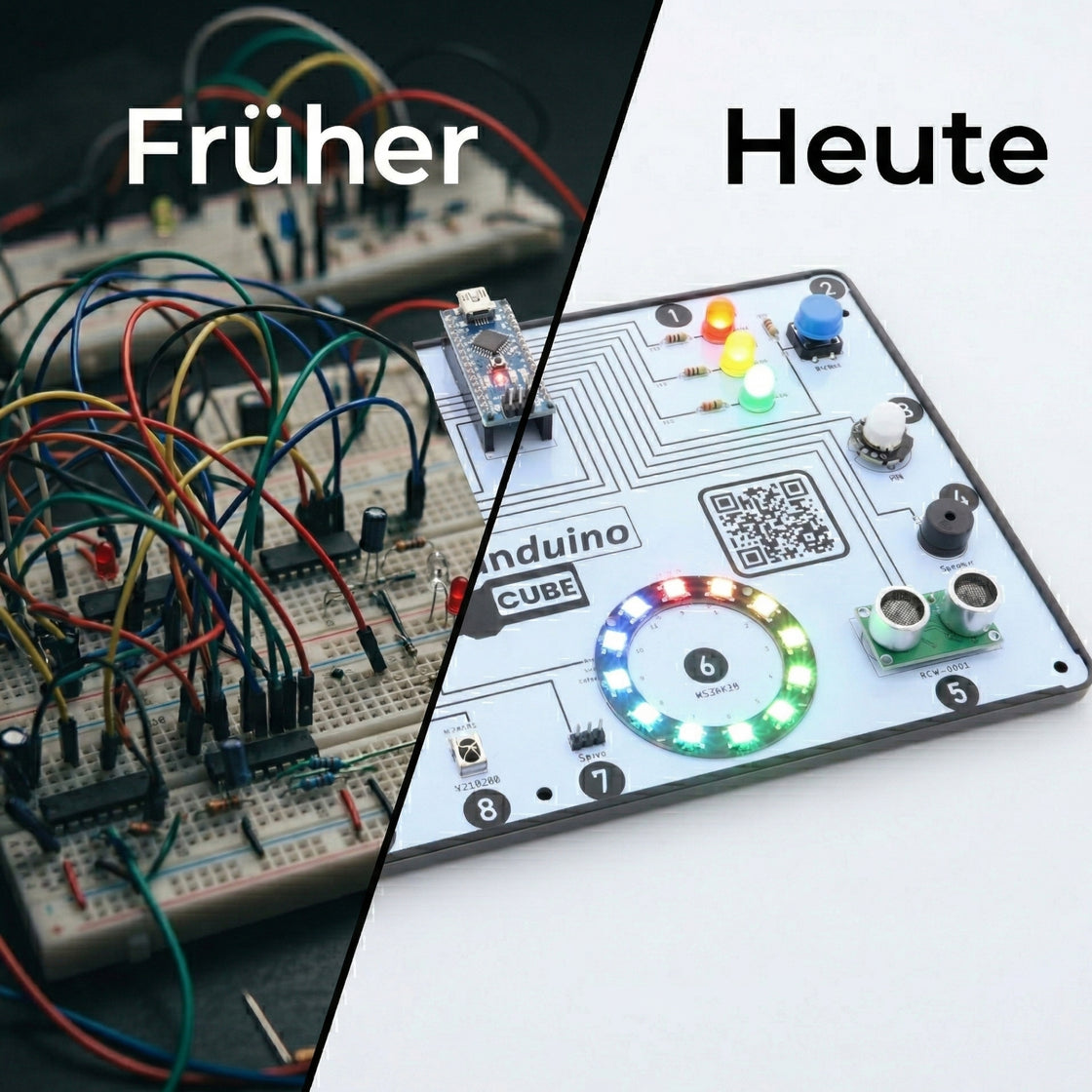
With loose components on a breadboard, you wire, plug in and hope. When something doesn’t work, you never know whether the error is in the code or in a loose wire. That costs time, nerves and sometimes the whole project.
The Funduino Cube solves this with a single principle: all 13 modules are permanently soldered, right on the board and ready to use. The wiring is no longer an unknown. If your program doesn’t run, it’s almost always the code – and that is exactly what turns debugging into a learning moment.
-
No wiring chaos
No jumper wires, no breadboard, no shaky plug-in connections. The Cube is ready to use from the very first moment.
-
Instant visible response
The LED lights up, the sensor measures, the display shows – in under a minute you see what your code does in the real world.
-
Repeatable results
No lucky hits. The hardware is stable and your results can be repeated at any time – that is what makes real learning possible.
Our promise
Funduino delivers more than hardware: working systems, a structure for your projects and real control over the technology.
20-hour learning path
From the first blink to your own project – structured, not random
No jumping between tutorials. No YouTube chaos. 13 lessons that build on each other, each explained in a video. You always know where you are and what comes next.
Phase 1 Basics (approx. 5 h)
Control LEDs, read buttons, write your first logic – with blocks or directly in C++. After lesson 1 you see your code trigger a real reaction. That’s the moment typing turns into programming.
- Lessons 1–3
- Open Roberta or Arduino IDE
Phase 2 Sensors and actuators (approx. 8 h)
Ultrasonic sensor, motion detection, servo motor, IR remote control, LED ring, display. Each module builds on the one before. By the end of this phase you are programming several modules working together.
- Lessons 4–10
- Arduino C++
Phase 3 Complex systems (approx. 5 h)
Tilt sensor, temperature and humidity, potentiometer as input. Combine modules and develop your own logic – without tutorial chaos.
- Lessons 11–13
- Your own projects
Phase 4 Your own project
Three external ports. Plug in an ESP32 or Pi Pico adapter (sold separately). Connect your own sensors. What you learned on the Cube transfers 1:1 to your own circuits – the Cube is not an end point but a clean starting point.
- Connect your own hardware
- ESP32 · Pi Pico compatible
Two paths, one piece of hardware
Start with blocks. Move on to real code. No new board.
The most common beginner mistake: committing to one path too early. The Cube does both – and you can switch at any time without switching hardware. Each path has its own YouTube playlist (in German) with all 13 lessons.
 Code preview
Open Roberta Lab
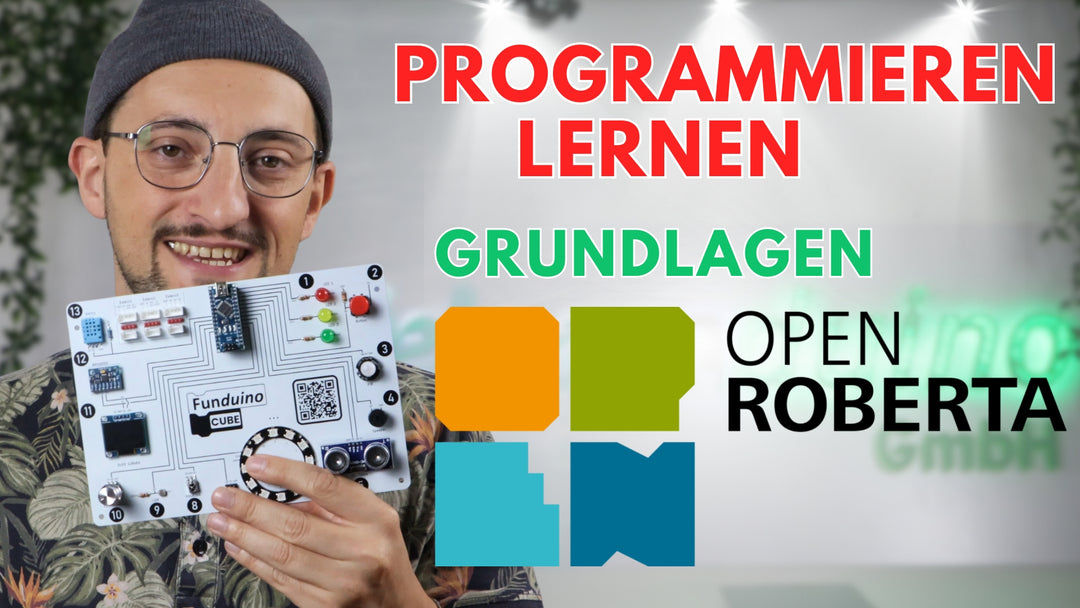
A block-based start in your browser. Drag blocks and the module responds. Ideal for your first contact with programming logic – without syntax frustration. The Lab shows you the generated C++ code alongside, so moving on isn’t a leap into the unknown. To connect the Cube, you install a small connector program.
- For beginners
- In the browser
 Code preview
Arduino IDE
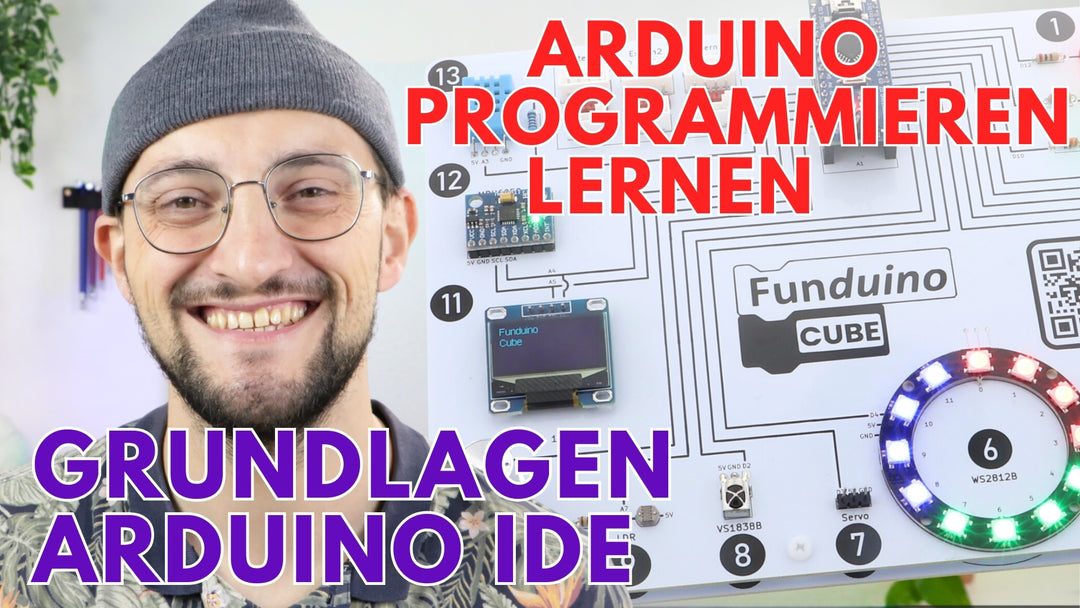
Real C++ on the same board. If you already know Arduino, start right here. If you want to go further, switch over as soon as you’re ready.
- For advanced users
- Real C++ code
- Industry standard


13 integrated modules
All soldered in place. All ready to use. No preparation.
No sorting, no searching, no plugging together. All 13 modules are there – from lesson 1 to your own project.
Understanding LEDs
Output · LEDs
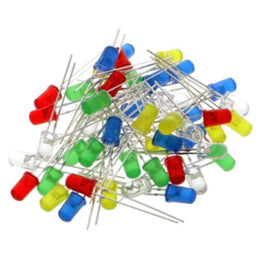
In red, yellow and green. They work as indicators and are ideal for a traffic light circuit or as a signal for your sensors, for example.
Reading a button
Input · Push button
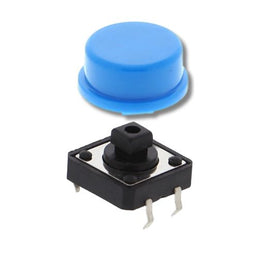
With a push button you send input signals to your microcontroller. You come across buttons everywhere in everyday life, for example at the traffic lights on your way to school or work.
Detecting motion
Sensor · Motion sensor SR602 (PIR)
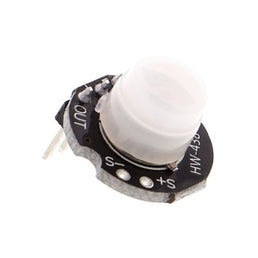
The motion sensor detects movement within a fixed range. It is suitable for an alarm system or as a trigger for a wildlife camera, for example.
Controlling the speaker
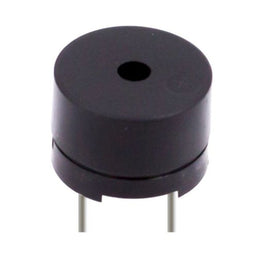
Output · Speaker (buzzer)
Speakers, also called buzzers, are acoustic signal generators. A short or long beep shows that a process has started or finished. On the Funduino Cube you can also play melodies with it.
Using the ultrasonic sensor
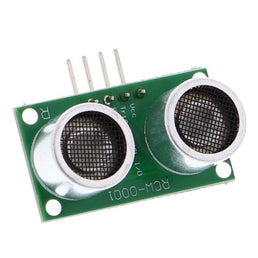
Sensor · Ultrasonic sensor HC-SR04
With the HC-SR04 you measure distances between 2 and 300 centimetres. The ultrasonic sensor is one of the classics of Arduino electronics and couldn’t be missing from the Funduino Cube.
Controlling the LED ring
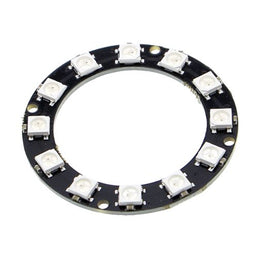
Output · LED ring WS2812B
With the WS2812B ring you can display up to 16,777,216 colours. The best part: every LED on the ring can be controlled individually – a real eye-catcher.
Moving the servo motor
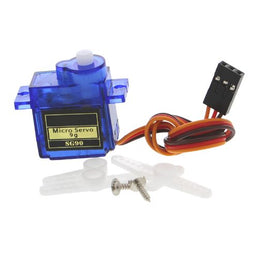
Motor · Servo motor MG90S
The MG90S servo motor is controlled by a PWM signal. This lets you set the shaft to a precise angle.
Using infrared
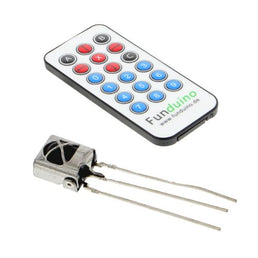
Sensor · Infrared receiver VS1838B with remote control
Together with the Funduino remote control, this sensor receives and processes signals from a distance – just like from your sofa.
Measuring brightness
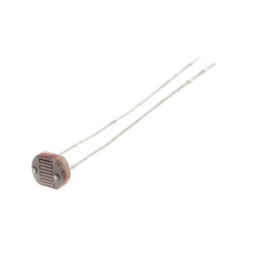
Sensor · Photoresistor (LDR)
With a photoresistor you measure how much light falls on your Funduino Cube. Use it to build day-night switches, for example.
Reading the potentiometer
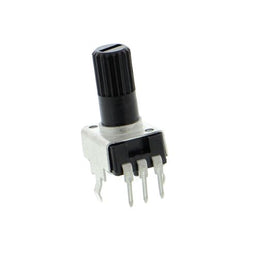
Input · Potentiometer
A potentiometer is a variable resistor. Use it to dim an LED smoothly, for example.
Controlling the display
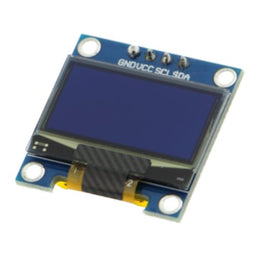
Display · OLED 0.96″, 128 × 64 pixels
What would a development board be without a display? With the 0.96″ OLED display, your Funduino Cube has a freely programmable screen – for humidity, temperature, brightness, position on the X, Y and Z axes and much more.
Understanding the tilt sensor
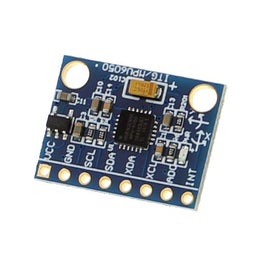
Sensor · Accelerometer MPU6050
One of the highlights of the Funduino Cube: with the MPU6050 accelerometer and gyroscope you determine your Cube’s position on the X, Y and Z axes. Similar modules are used in RC model building, for example to stabilise model aircraft.
Measuring temperature and humidity
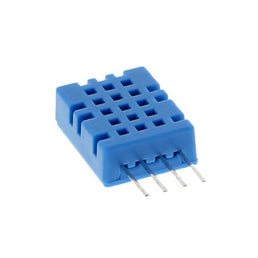
Sensor · DHT11 for temperature and humidity
The DHT11 measures humidity and ambient temperature. It is one of the best-known modules in hobby electronics and is often found in weather stations or monitoring temperatures in hard-to-reach places.
Connecting your own components
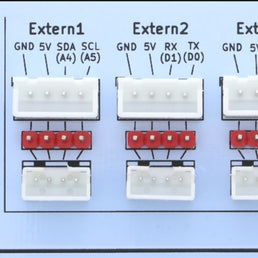
Bonus · External ports
Three external ports that can be used at the same time let you run your own sensors, actuators and modules directly on the Cube. Ideal for makers: test prototypes before your own board arrives.
Adapters for the ESP32 and the Raspberry Pi Pico are sold separately.
- For makers
- ESP32 · Pi Pico compatible
- Bonus
-
For beginners: results right away
Each module has its own lesson with a video. You start from zero and after the first session you see your code move real things. This quick feedback keeps motivation high.
-
For makers: fast prototyping
All modules ready to use, no setup. Test, combine and improve ideas – without spending 20 minutes wiring up a breadboard first. The Cube is your lab before your own board.
What you can build next
Learn with the Cube – then build your own projects
Most people underestimate what becomes possible once they’ve started. With what you learn on the Cube, you no longer build gimmicks but systems that do real jobs.
- Learn Learn to program with the Cube
- Try out Test your own project on the Cube
- Build Buy your own components and build the project
-
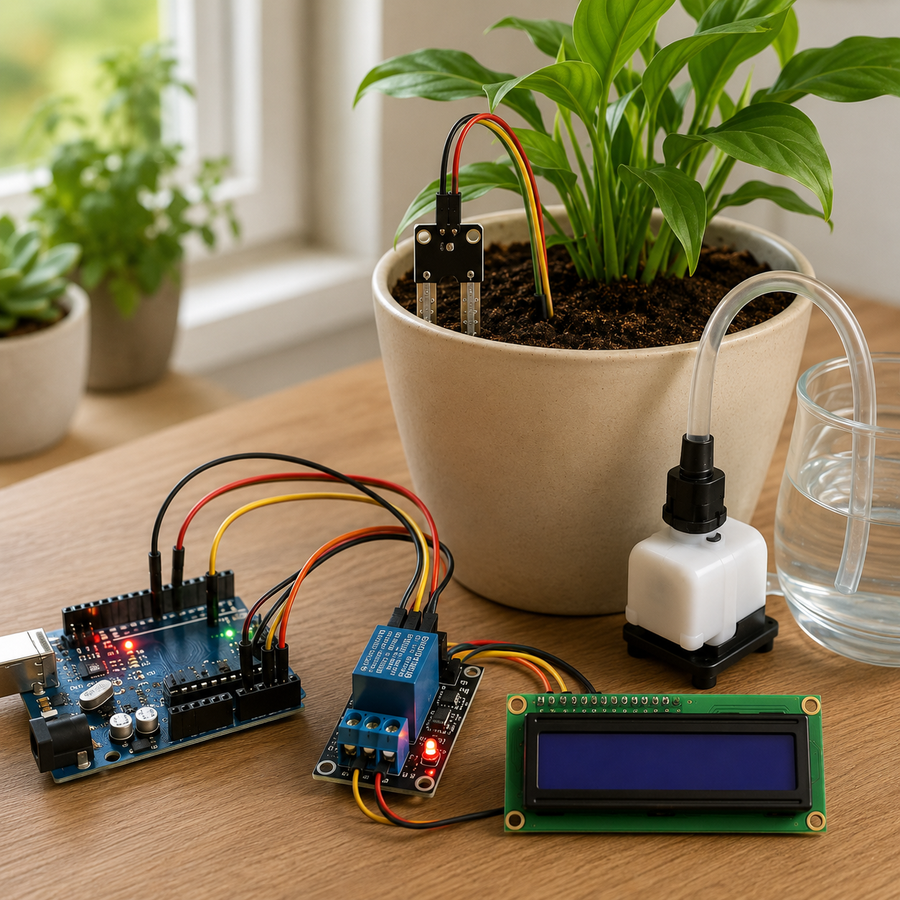
- Easy
Automatic plant watering
The sensor measures, the pump responds – fully automatic
A moisture sensor in the soil keeps checking whether the plant needs water. When the value drops below a threshold, a water pump starts. Your first own system that really works – and one you see every day.
- Moisture sensor
- Water pump
- Relay module
- Digital output
Learned with: LDR, button, display
-
- Advanced
- Expandable
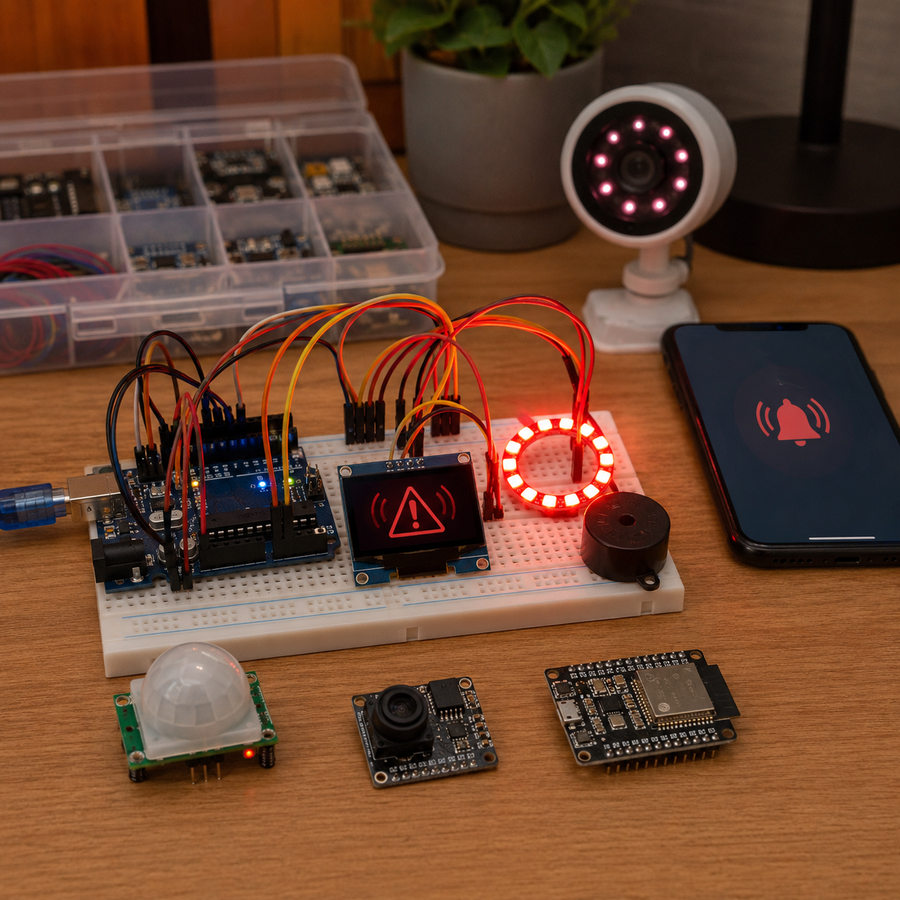
Alarm system with motion sensor
From a simple setup to a connected alarm
The motion sensor detects movement, the buzzer sounds the alarm, the LED ring flashes red. The system is modular – and that’s what makes it exciting: once you understand it, you extend it step by step.
- PIR sensor
- Buzzer
- LED ring
- Display
Learned with: PIR, buzzer, LED ring
Expandable with
Camera module · App notifications (ESP32 and Wi-Fi) · Infrared camera for night mode · Siren · SMS alert
-
- Expert
- Wi-Fi
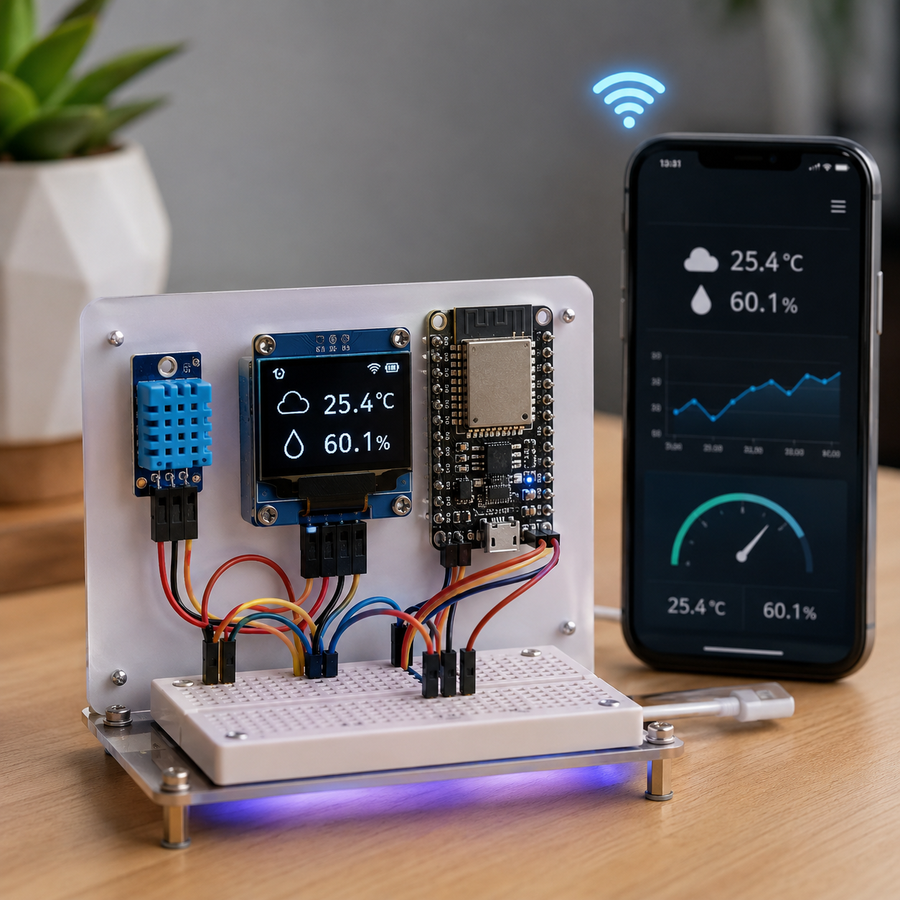
Mini weather station with Wi-Fi
Your own weather data – available anywhere
The DHT11 measures temperature and humidity, the OLED shows the values – and via the ESP32 adapter the station sends the data over Wi-Fi to an app or dashboard. So you can see the weather at home from anywhere.
- DHT11
- OLED display
- ESP32 adapter
- Wi-Fi / IoT
Learned with: DHT11, display, external ports
And many more projects …
- RC vehicle with infrared control The remote control drives the motors – a classic maker project with a lot to learn about motor control.
- Automatic terrarium Temperature, light and humidity are monitored and regulated – for plants, reptiles or insects.
- Model roller shutter control The photoresistor measures the brightness, the servo motor opens or closes a model roller shutter. This shows you how a smart home control works.
- Reaction game An LED lights up at random, you press the button as fast as you can, the display shows your reaction time. It’s fun and shows how much you can do with just a few components.
Who it’s for
Three target groups. Three paths. One system.
-
Makers
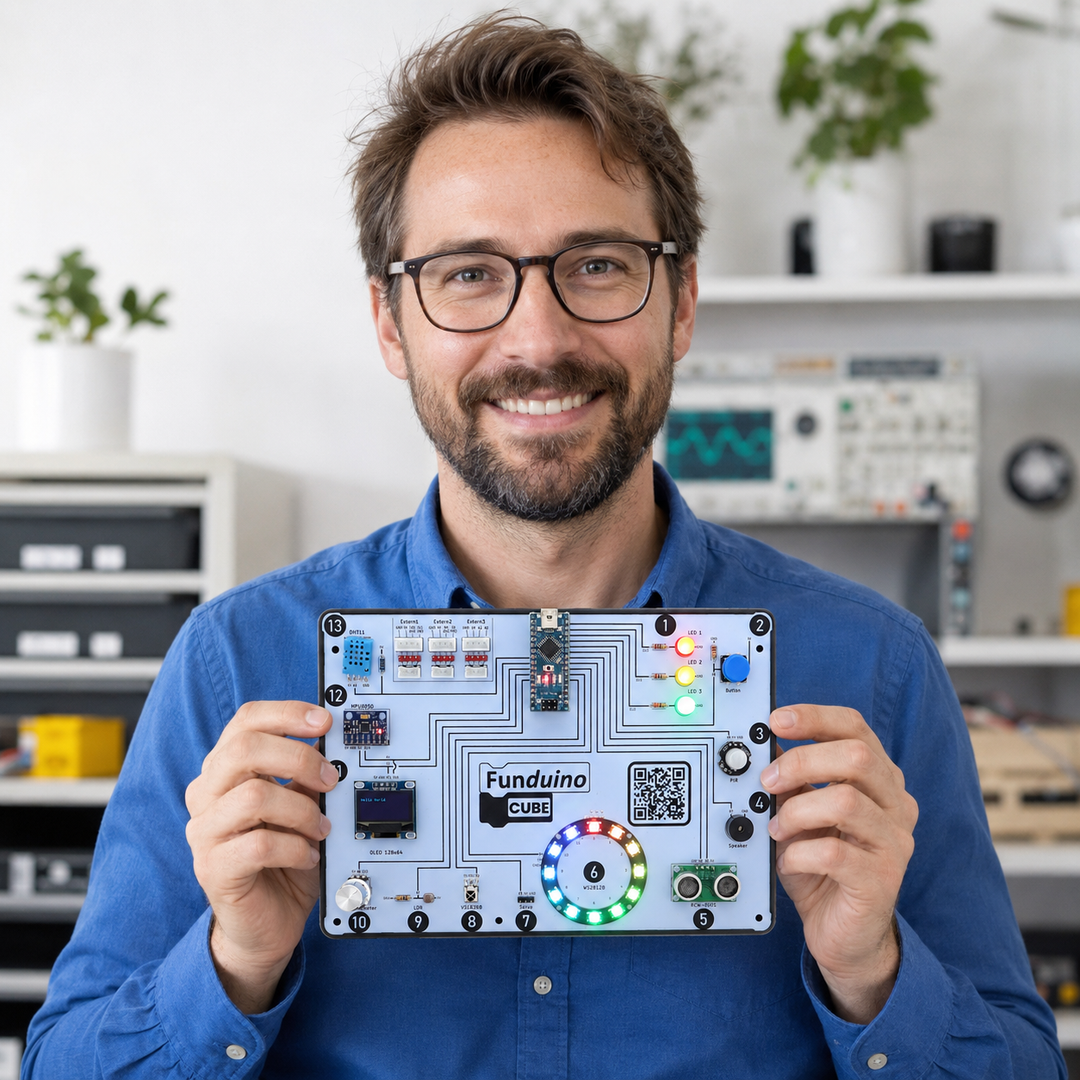
Makers and developers
Build projects without setup frustration. All modules are ready to use – as a fast prototyping lab and as a reference for your own circuits. If you already know Arduino, go straight to the IDE.
-
Family
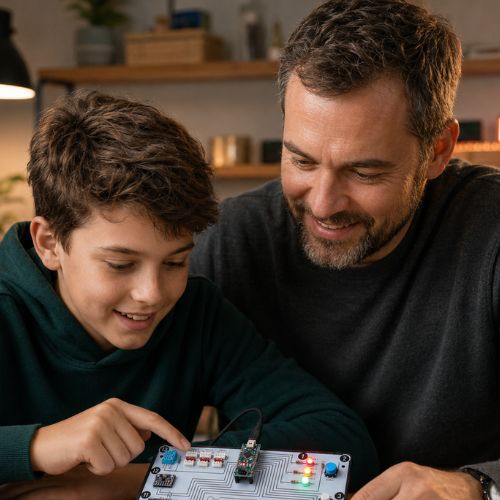
Teenagers and parents
A structured start with a workbook and videos. Visible progress instead of frustration: the first LED lights up in the very first session. Intended for teenagers aged 14 and over.
-
Schools

Teachers and schools
A 45-minute lesson without a tangle of wires. All lessons and videos are available in advance. Differentiation: beginners start with Open Roberta, more advanced students go straight to C++. For the whole class, the Cube is available as a class set.
What’s in the box
Plug in, open the first lesson, get started
Plug in, open the first lesson and see the first LED respond to your code in under 10 minutes.
No tangle of wires, no sorting parts, no hours of setup before anything happens.
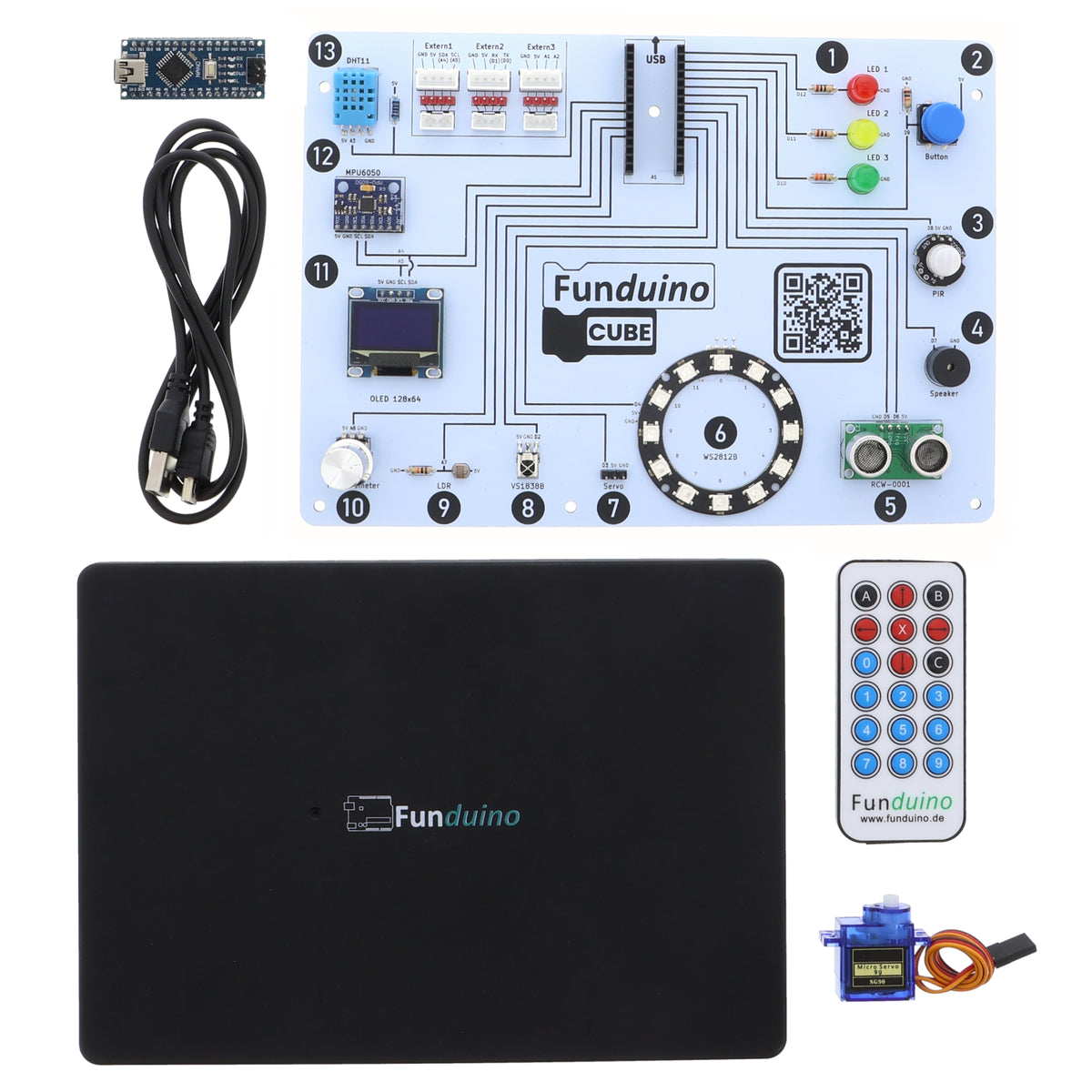
- Funduino Cube with 13 integrated modules – all permanently soldered, ready to use
- Funduino Nano R3 microcontroller with FTDI chipset
- 2 Mini-USB cables (25 cm and 100 cm)
- Quick start guide with access to the digital workbook (184 pages, 13 lessons with videos)
- Servo motor for moving projects – from lesson 7
- Infrared remote control for wireless control from lesson 8
- Flexible protective case for transport and the classroom
Windows and macOS: Thanks to the FTDI chipset, the Cube is usually recognised without an extra driver. If you do need one, the download link is in the quick start guide.
Open standard
Not a closed system. An open standard.
The Cube uses the Funduino Nano R3 with an FTDI chipset: plug in the USB cable and get started. What you learn here transfers 1:1 to your own circuits. No proprietary ecosystem, no lock-in to one supplier.
Why the Funduino Cube
Not an off-the-shelf kit. A system.
With the Funduino Cube
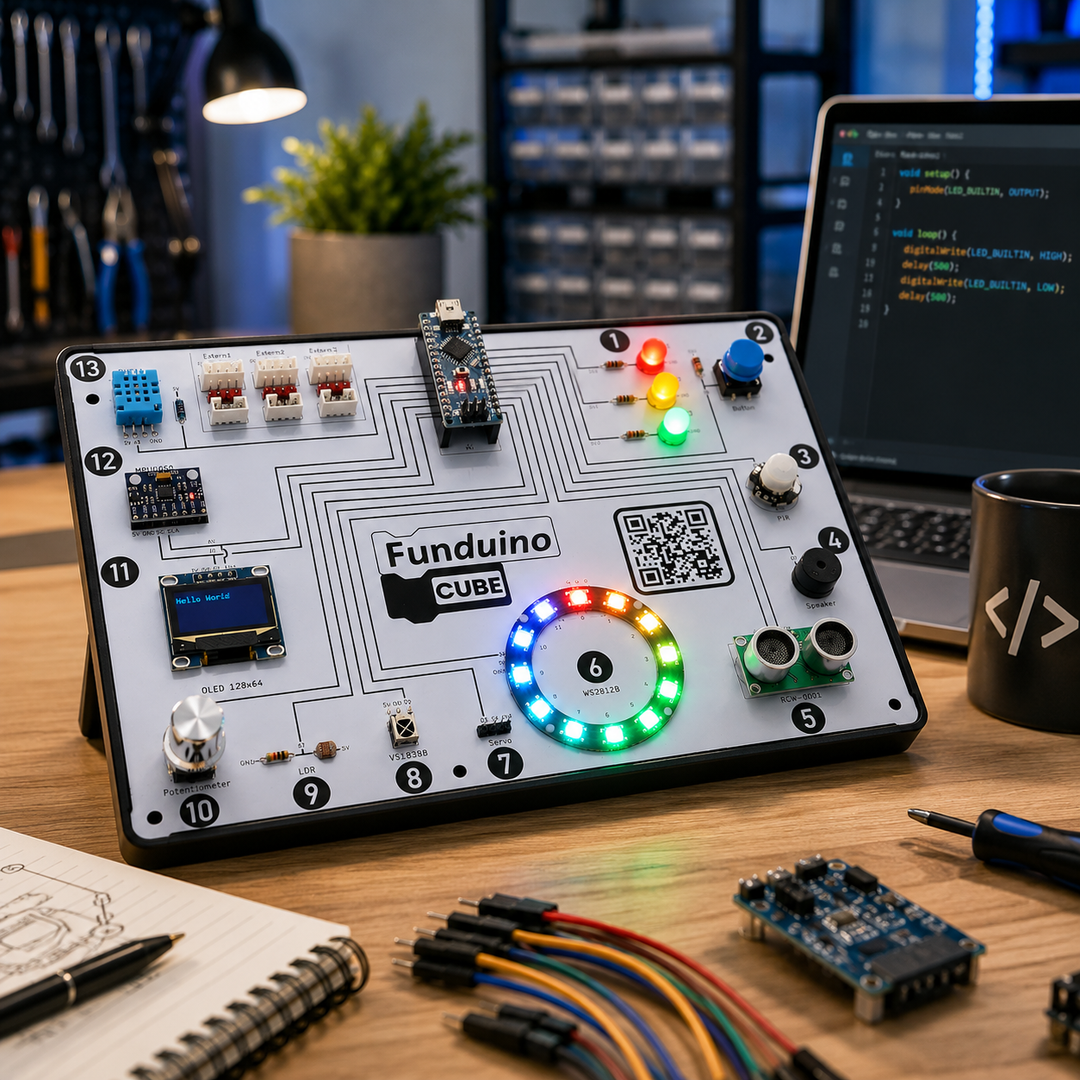
- Upload your code – the module responds right away. No guesswork.
- No plug-in connection as a source of errors – you find bugs faster
- Digital workbook with 184 pages, in German or English
- A video for each of the 13 lessons (in German)
- Faulty part? Replacement without sending in your Cube
- Open standard – transfers 1:1 to your own projects
- Expandable: ESP32, Raspberry Pi Pico (adapters sold separately), your own sensors
With loose components and a breadboard
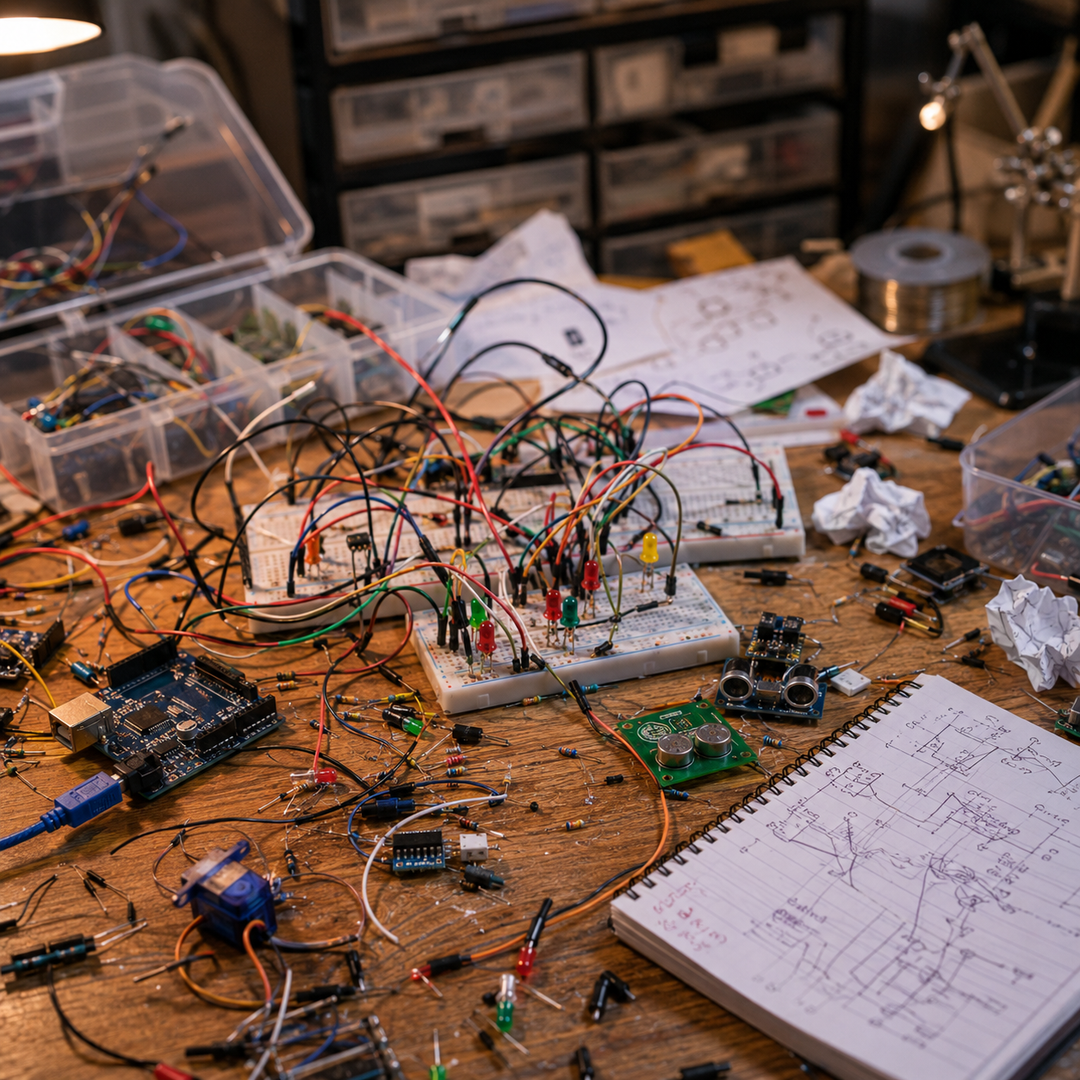
- Long troubleshooting: code or loose contact?
- Breadboard chaos slows you down before the first project
- Scattered tutorials – no common thread
- Loose parts get lost – especially in class
- No well-thought-out path from getting started to your own project
Frequently asked questions
Everything you want to know
Is the Cube for beginners or for experienced makers?
For both. Beginners start with the block-based learning path in Open Roberta and work their way up step by step. Experienced makers use the Cube as a fast prototyping board – all 13 modules are available right away. If you already know Arduino, go straight to the IDE.
Can I really build my own projects afterwards?
That’s exactly what the Cube is made for. It is based on standard Arduino components (Funduino Nano R3 with FTDI chipset). What you learn with the 13 modules transfers 1:1 to your own circuits. Connect your own sensors via the three external ports – with the ESP32 or Pi Pico adapter (sold separately) you add Wi-Fi and MicroPython.
Does the Cube work with macOS?
Yes. The Arduino IDE and Open Roberta run on Windows and macOS. The Cube is usually recognised without an extra driver; if you do need one, the download link is in the quick start guide. Note: the cables included are Mini-USB cables. For newer MacBooks with USB-C you may need an adapter.
What happens if a component is faulty?
Just tell us briefly what isn’t working. We’ll find the quickest solution with you – often a replacement part that we send you is enough, so you don’t have to send in your Cube. This does not affect your statutory rights in the event of defects.
What’s the difference compared with loose components and a breadboard?
With loose components you wire everything yourself. When something doesn’t work, you never know whether the error is in the code or in a wire. On the Cube, all modules are permanently soldered, and you also get a 184-page digital workbook and a clear learning path with videos. That is the difference between components and a system.
Is it a closed system – or can I expand it?
It’s not a closed system. Three external ports sit right on the board, and there are adapters (sold separately): ESP32 for IoT projects, Raspberry Pi Pico for MicroPython. The ports follow the Arduino standard – many components you use on an Arduino also work on the Cube.
What age is the Cube intended for?
The Cube is intended for teenagers aged 14 and over and for adults. In school, students from year 5 work with it under the guidance of their teacher, often starting with Open Roberta. It is just as suitable for adults with no previous knowledge – the learning path assumes nothing.
Ready?
Plug in the USB cable. Open the first lesson. See your first result in under 10 minutes.
- 13 permanently soldered modules – no plug-in connection as a source of errors
- 184-page digital workbook and a video for every lesson
- 20-hour learning path – structured, not random
- Open Roberta and Arduino IDE – from blocks to real C++ on the same hardware
- Faulty part? Replacement without sending anything in
- Runs on Windows and macOS
Funduino Cube
Get started now – no setup, no frustration.
Back up to buy- Help with defects
- Support from Germany
- Shipped from Germany
Schools and educational institutions
The Cube is also available as a class set. For a quote or to pay by invoice, use the quote button in the purchase area.